
Your AI coding agent adds a dependency to finish an app, you push the change, and Vercel stops the deployment. The build log names a blocked npm package and version. It is tempting to make the error disappear and ship today. The useful response is to find how that version entered the project, update it with the lockfile, and verify the next build. On November 2, 2026, Vercel announced automatic checks before and during dependency installation in new builds.
This matters when you build quickly with AI because an install suggestion can reach production without anyone reviewing the dependency tree. In its [official announcement](https://vercel.com/changelog/blocking-malicious-npm-packages-before-and-during-installation), Vercel says it uses a blocklist of specific versions selected for malware or security vulnerabilities. It checks supported lockfiles before installation, including builds restored from cache, and blocks affected public npm downloads during installation. If a blocked version appears, the deployment fails, the error names the package and version, and Vercel attempts to invalidate the affected build cache.
Availability and scope
According to Vercel, the protection applies automatically to new builds on every plan, with no configuration required. There is no flag to enable or SDK to update. That is not a claim that Vercel has audited your entire project or that every package you install is safe. Its announcement describes a selected-version blocklist and checks at particular build stages. It also does not, by itself, certify an already deployed app. Treat a blocked-package build failure as a security signal rather than routine CI noise.
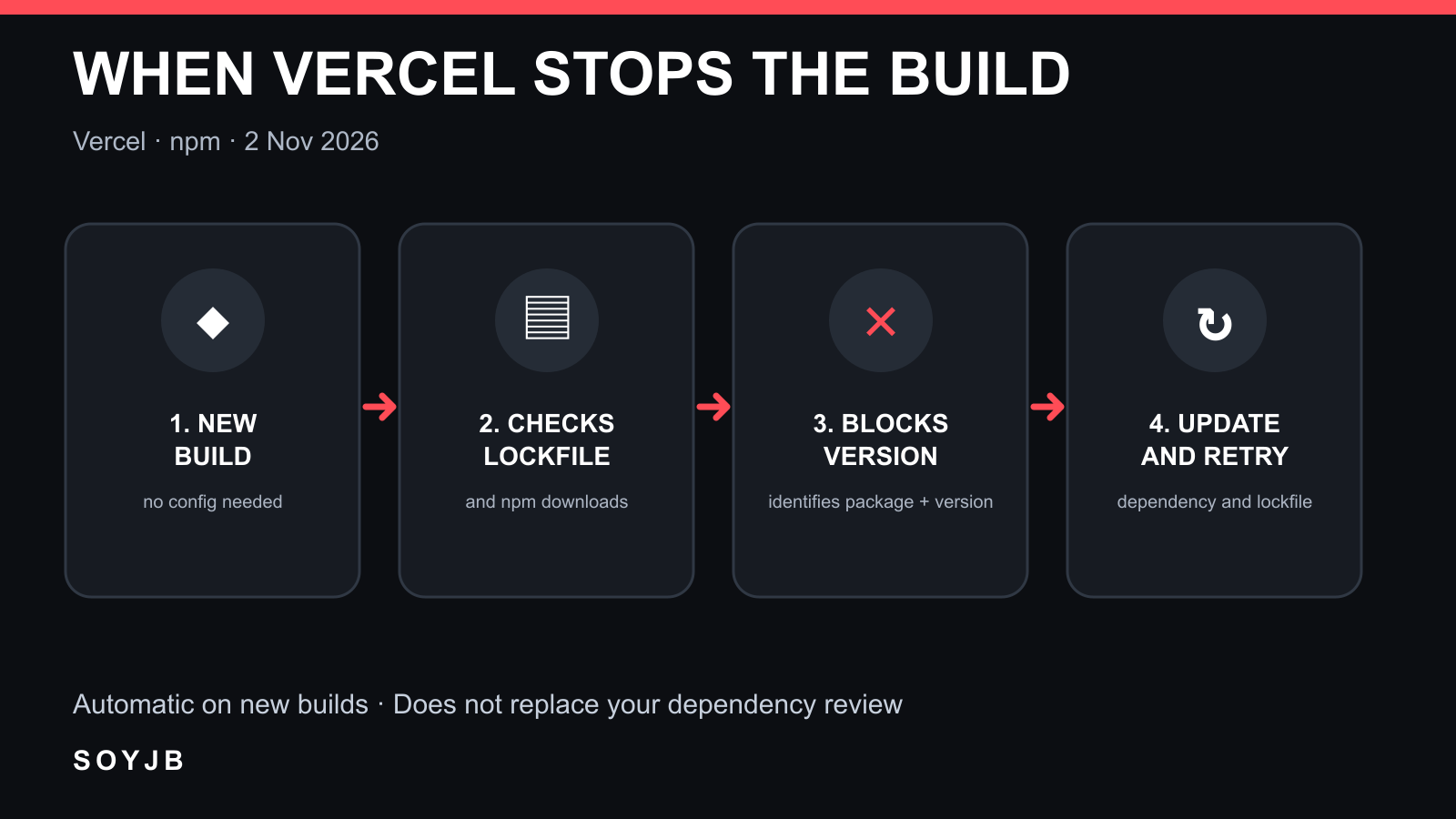
What to do when a build stops
- Read the exact error. Record the package name, version, and build phase. The package may be transitive rather than listed directly in
package.json. Keep the relevant log for review without pasting environment secrets into a chat. - Find why it is present. In an npm project with a trusted local environment and dependencies already installed, run
npm explain PACKAGE_NAME, replacing the placeholder with the name from the log. The [npm documentation](https://docs.npmjs.com/cli/v11/commands/npm-explain/) says it prints the dependency chain that caused the install. If you cannot safely run code from the current tree, inspect the lockfile and parent dependency first. - Fix the cause, then the lockfile. For a direct dependency, choose a compatible corrected version after checking the maintainer's guidance. For a transitive dependency, update the parent package or use a controlled resolution supported by your package manager. Regenerate the lockfile with the same manager used by the project. Deleting it blindly can change many versions and obscure what actually fixed the issue.
- Verify the new build. Review the
package.jsonand lockfile diff, run tests in an isolated environment, and redeploy. Confirm that the blocked version no longer appears and the app still works. If the package previously ran where credentials were available, a separate incident review may be needed; a successful later build cannot undo past execution.
npm audit can add a check for known vulnerabilities. As [npm documents](https://docs.npmjs.com/cli/v11/commands/npm-audit/), it queries the configured registry and computes possible remediations. Do not assume its report will exactly match Vercel's blocklist, and do not replace the deployment's specific error with a generic audit result. Avoid npm audit fix --force merely to turn CI green: it may introduce major-version changes with separate product consequences.
A useful check this week
Open the latest deployment of a Vercel app, identify its package manager and lockfile, and write down who would review a block and approve the dependency update. If you encounter a real failure, record the original version, corrected version, diff, and new-build result. Do not install a malicious package just to trigger the warning. This report relies on Vercel's announcement and npm's primary documentation; I have not reproduced the block in a Vercel account or measured detection rates. The actionable value is knowing what to do when the control fires.
Sources: Vercel announcement, November 2, 2026; npm explain; npm audit.